
You can track all the internal stages of a playbook’s execution from Execution Tracking, from activation to completion.
Note
Execution Tracking is disabled by default. Contact Logpoint Support to enable it.
There are threee ways to track playbook execution:
Track Incidents from the SIEM: Tracks the execution of playbooks Logpoint-based incidents automatically generate. To do this, enter the incident ID and click Get Tracking Info.
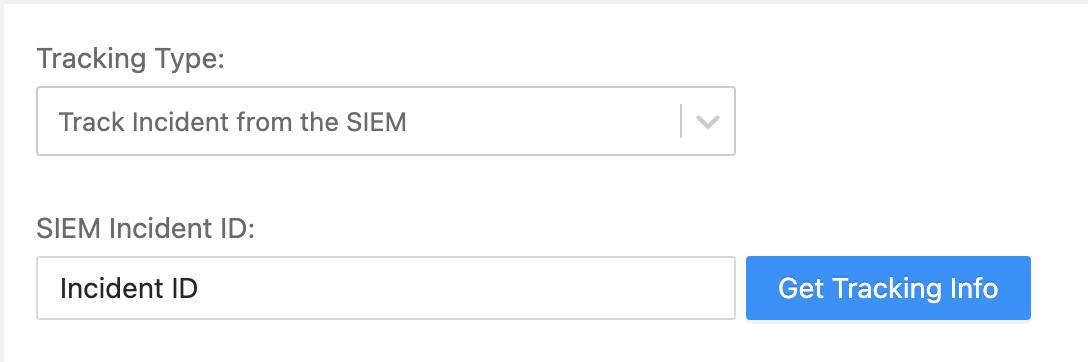
Track Incidents from the SIEM
Track Manual Playbook Execution: Tracks manually triggered playbooks. To do this, select a playbook from the list.
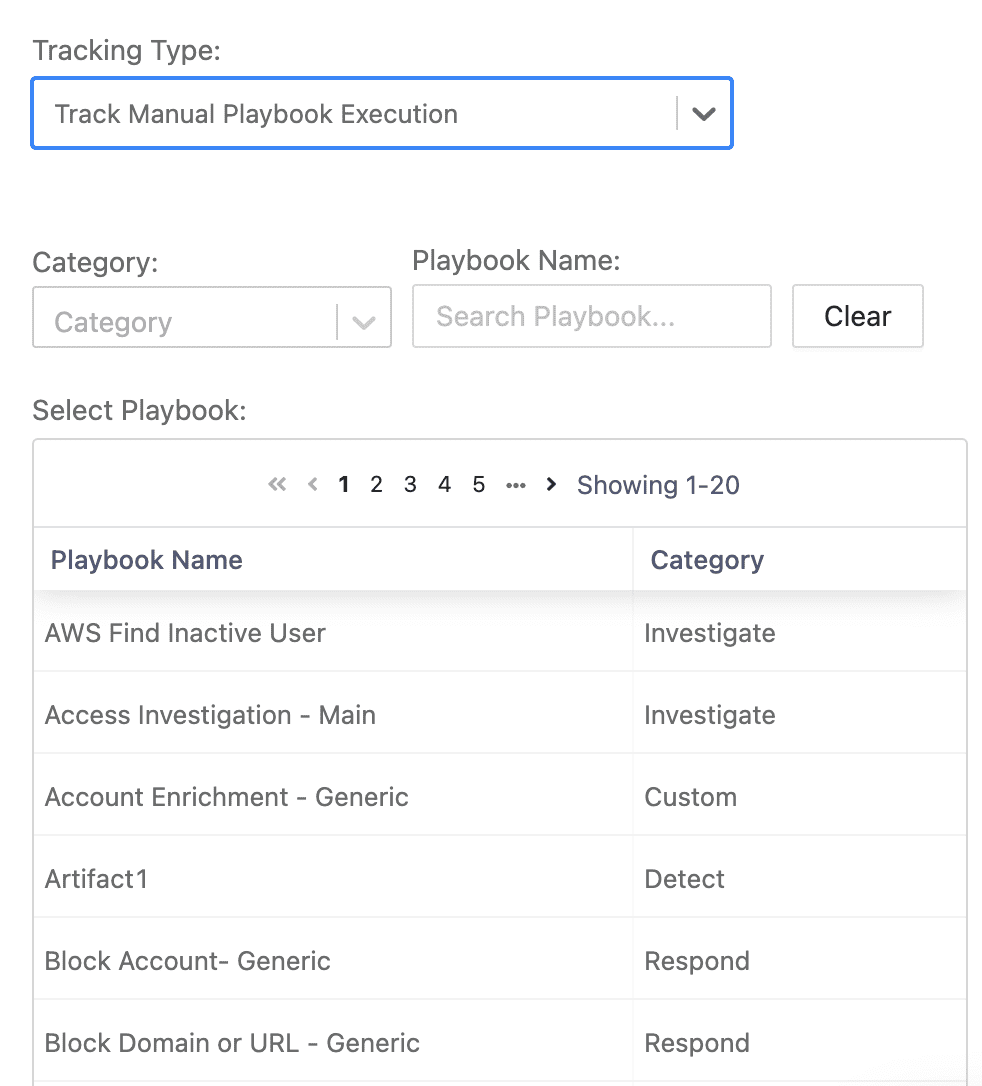
Track Manual Playbook execution
Pending Playbooks: Tracks all the pending playbooks waiting for execution or for user input.
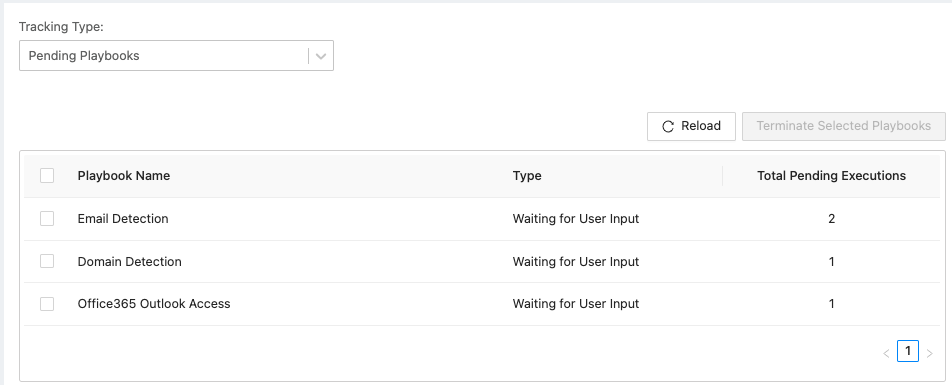
Track Pending Playbooks
You can terminate the pending playbook by selecting the playbook and clicking Terminate Selected Playbooks.
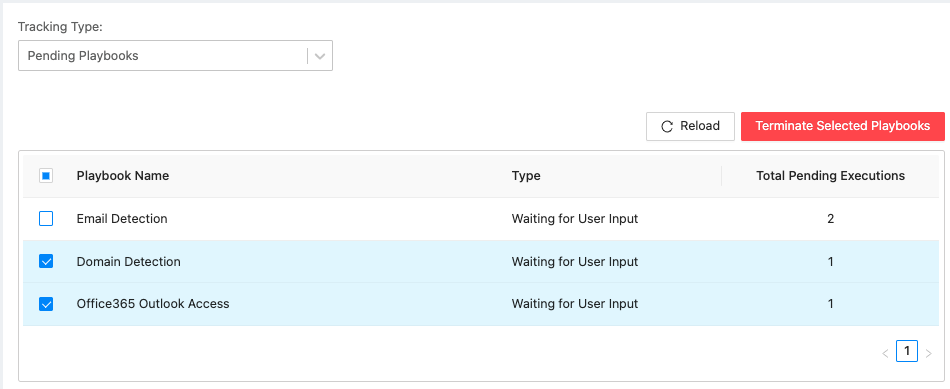
Terminate Pending Playbooks